FOR PROFESSIONALS
Creator Studio
A subscription platform for architects, designers, and construction teams.
Projects · team · 4K output
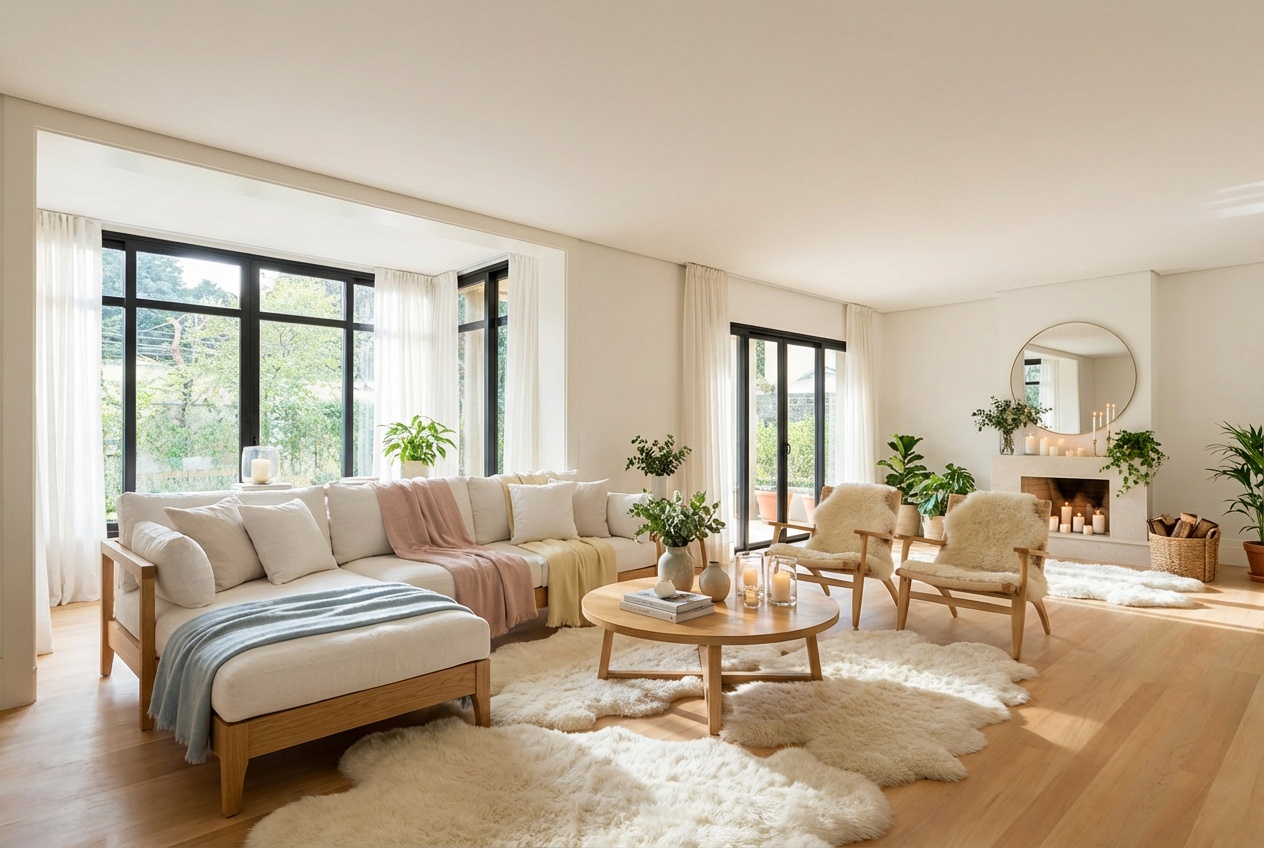
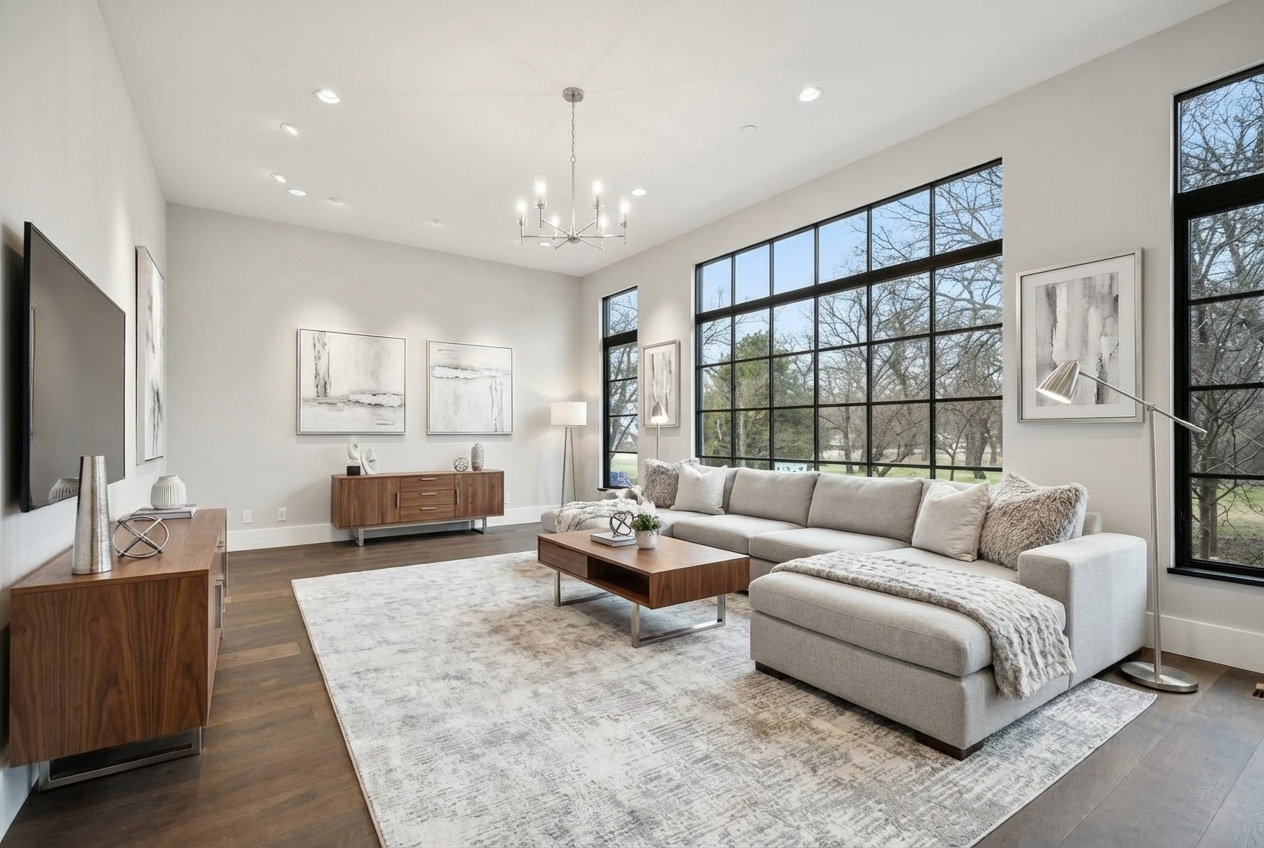
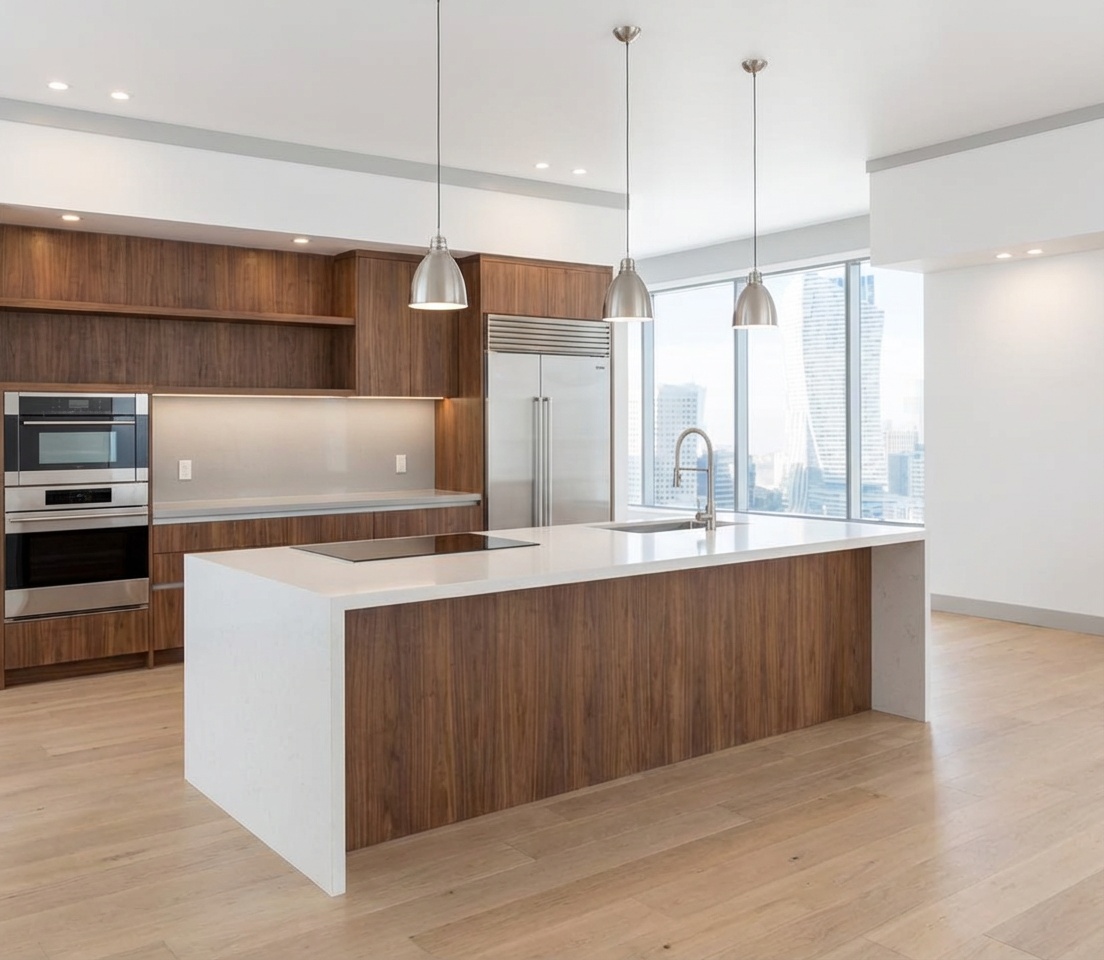
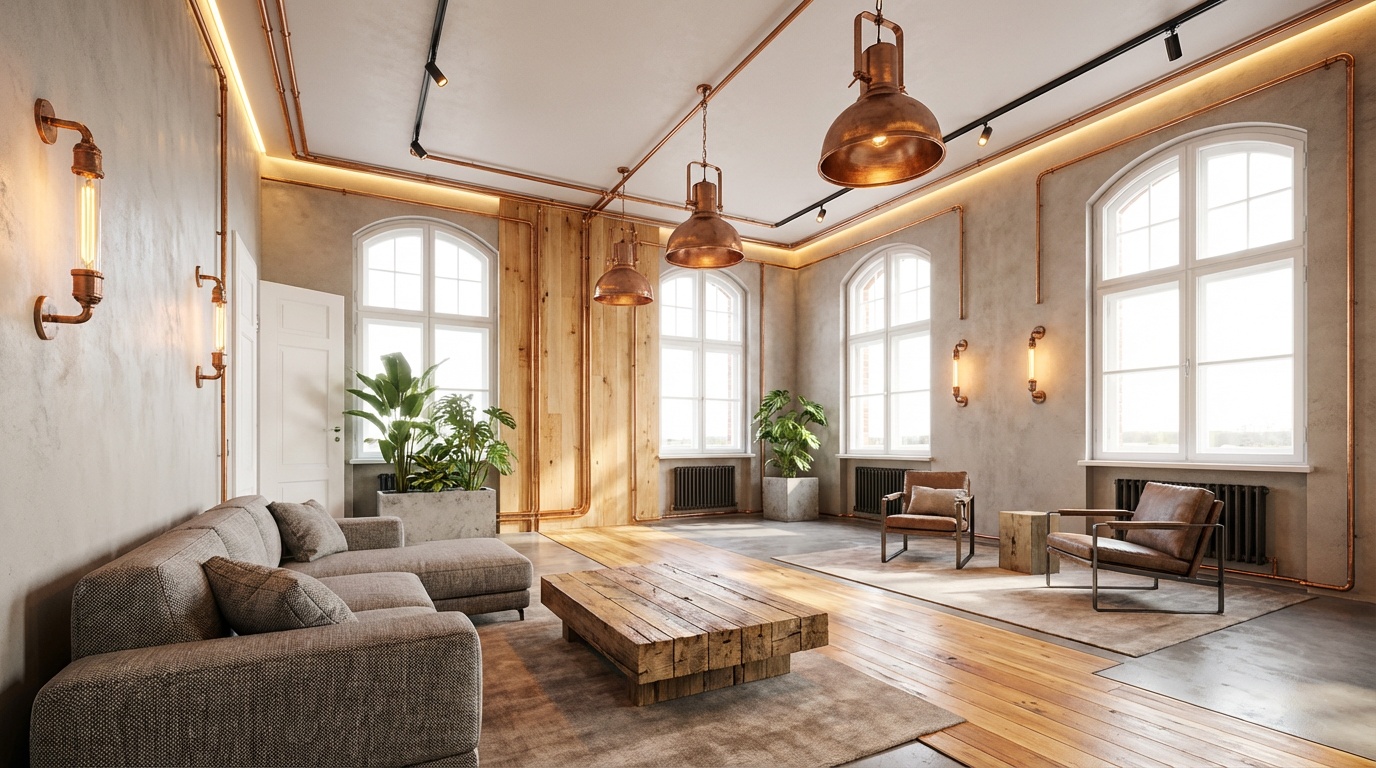
MyDesignMind is an AI-powered interior design platform built to turn ideas into clear, actionable room plans. The experience starts with a short design quiz that identifies preferences, style signals, and practical constraints. From there, the platform provides a personalized style profile, curated suggestions, and AI-assisted room renderings that make the final concept easier to visualize. The goal is to reduce decision fatigue and help users move from inspiration to action with fewer uncertainties. The platform focuses on real outcomes. It helps users understand what they like, translate that into a consistent design direction, and receive visual references that can be shared with family, contractors, or professional designers. Users can explore design styles, compare color palettes, review layout ideas, and keep their results organized in one place. For advanced needs, the AI Designer supports iterative experimentation so users can compare multiple approaches before selecting a final direction. MyDesignMind is designed for speed, clarity, and accessibility. It supports multiple languages, works on mobile and desktop, and keeps results organized in the user profile. The system is transparent: it explains why a style was matched, highlights defining elements, and offers structured tips so users can apply the guidance in real projects. Whether a user is redesigning a single room or planning a full home update, the platform provides a clear, step-by-step path with measurable outcomes and shareable deliverables. Beyond visuals, the platform emphasizes practical decision-making. It helps users prioritize key elements such as layout flow, lighting, material choices, and furniture scale. This makes it easier to avoid costly mistakes and align the final result with both taste and budget. For teams and professionals, the output can serve as a fast briefing asset for contractors or designers. MyDesignMind combines psychology-driven inputs with design best practices to create consistent results. The quiz captures preference signals, the style summary explains the match, and the rendering tools allow direct visualization. The experience is built to be reliable, understandable, and efficient, so users can make confident decisions and move forward without guesswork.
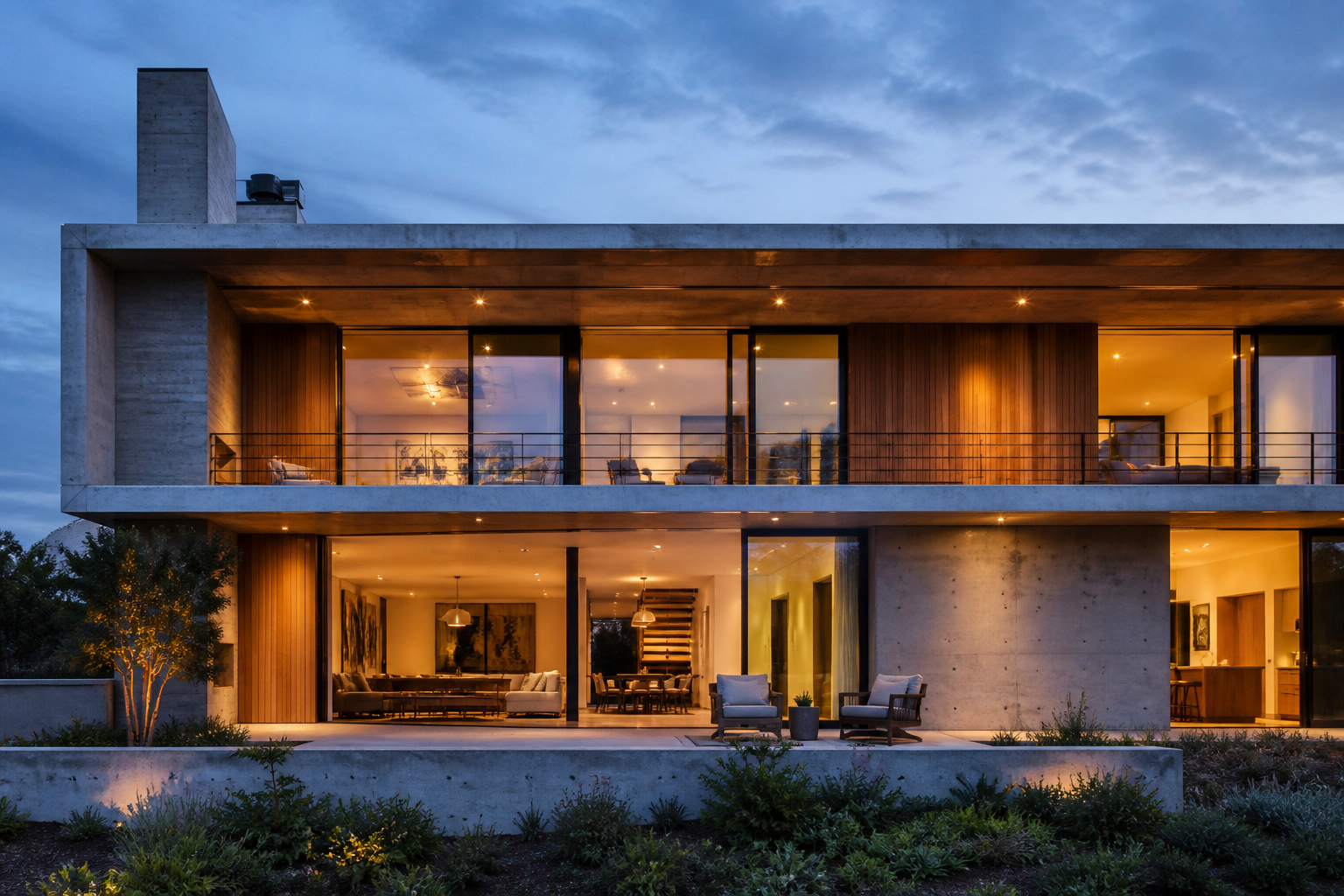
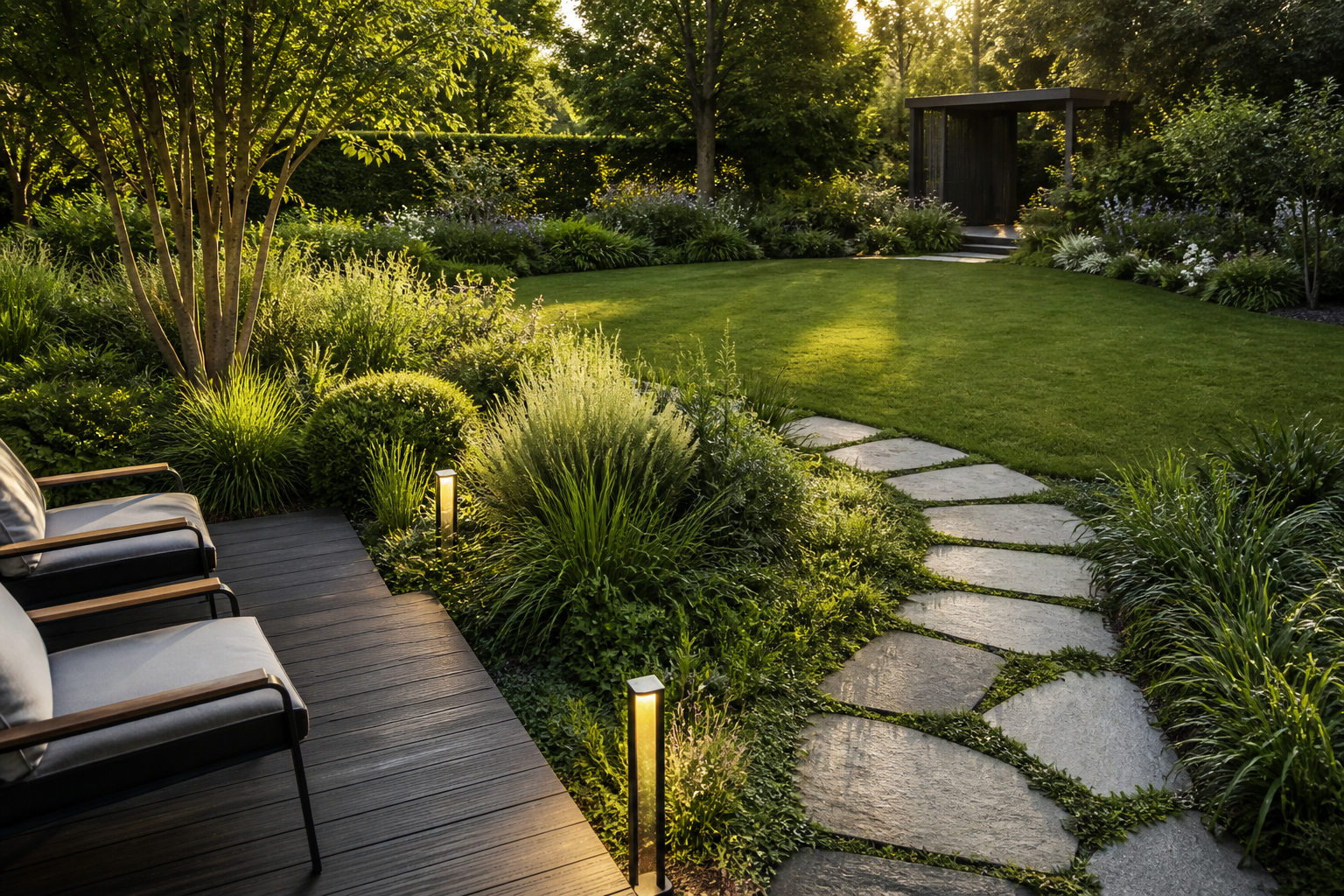
Interior, exterior, and landscape — the same AI engine for professionals and homeowners.
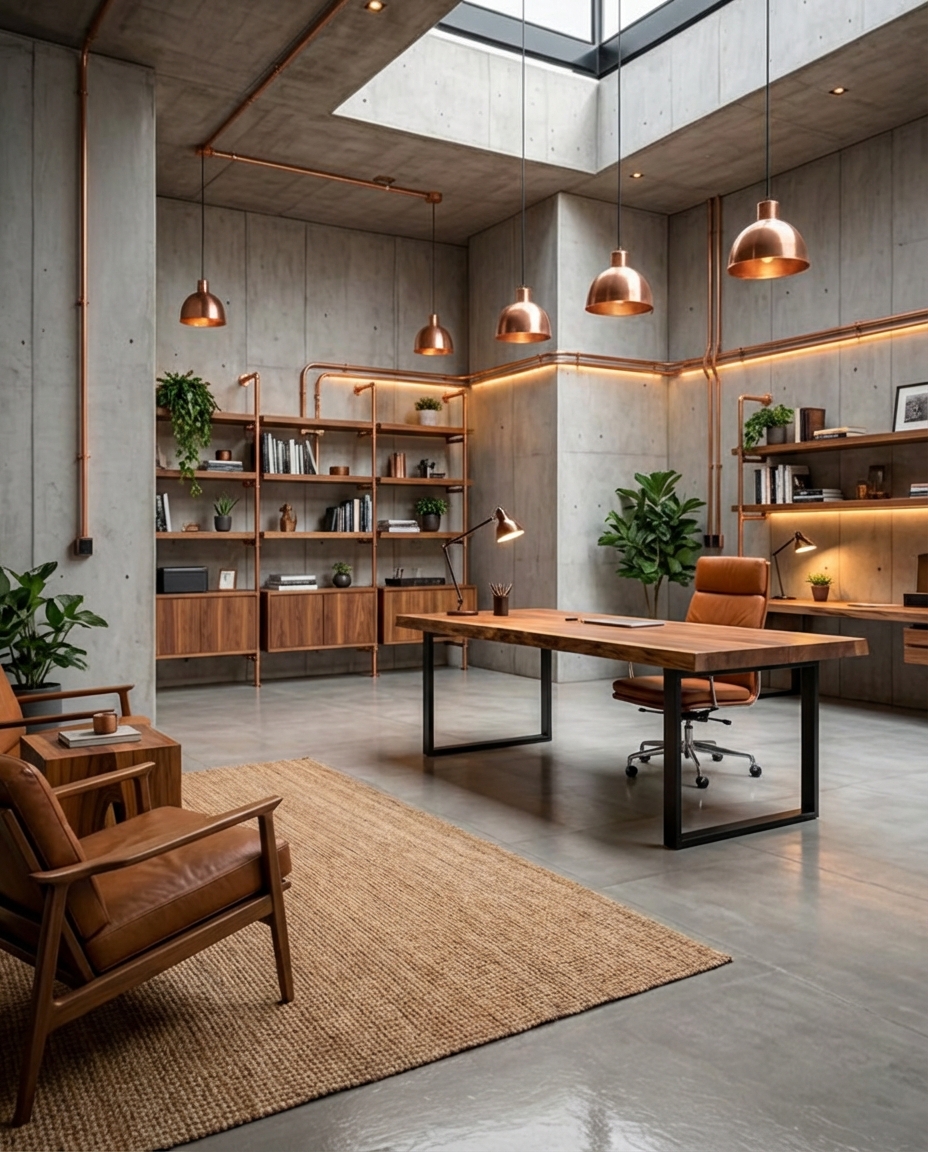
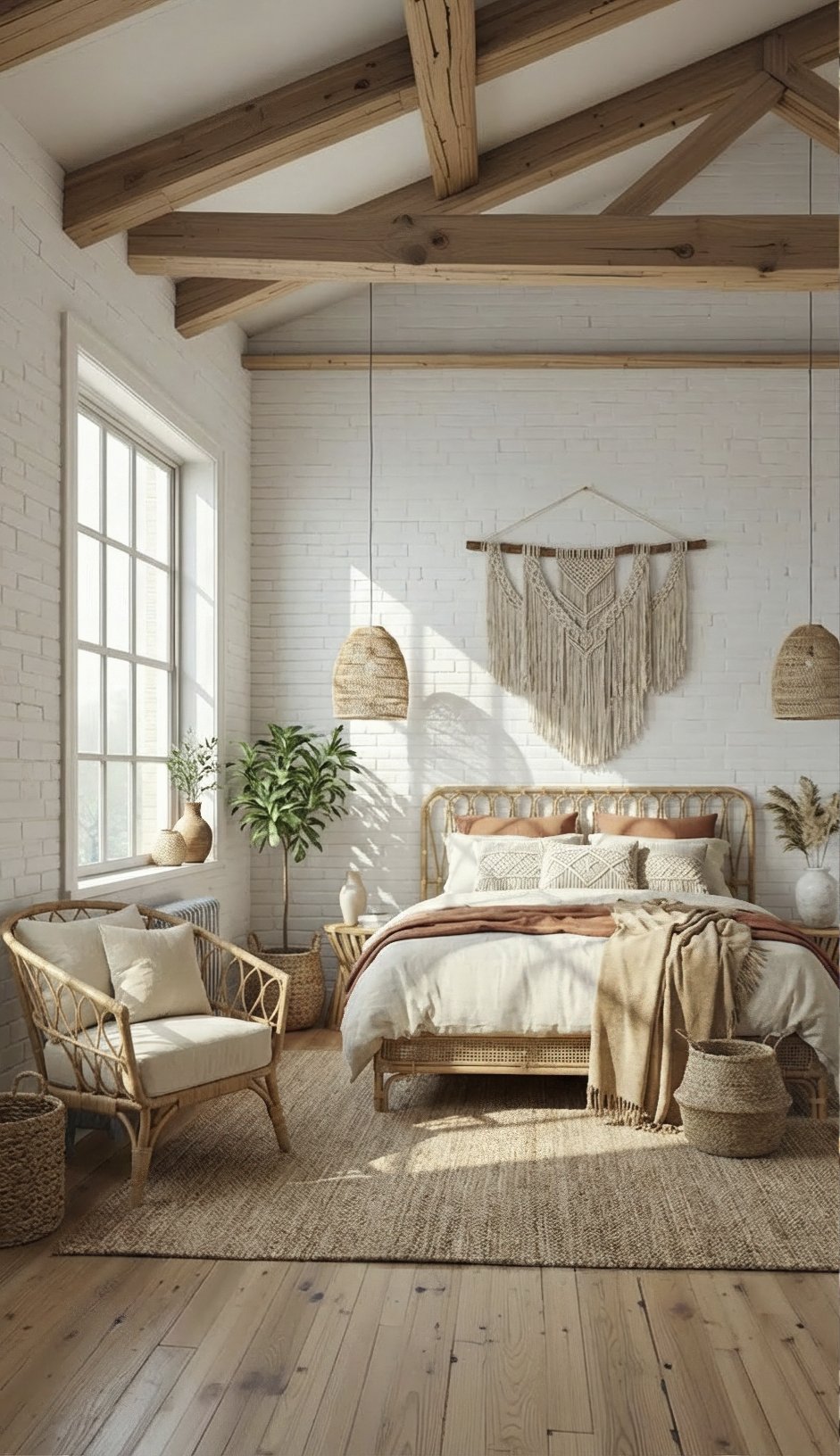
Upload a photo of the room — get a photorealistic render in seconds.
PRODUCTS
A professional studio, 3D rendering, and a homeowner package — each with its own workspace.
A subscription platform for architects, designers, and construction teams.
Projects · team · 4K output
Photorealistic AI renders from Rhino, SketchUp, and Blender models.
Model · camera · technical views
A one-time package for anyone who wants to design their own home.
Quiz · 20 renders · PDF report